3D Scanners for Furniture and Woodworking

Handheld 3D scanners that capture furniture in shape and color, for reverse engineering, CNC and molds, 3D-printed parts and photoreal e-commerce visuals.

6 products
Sort by
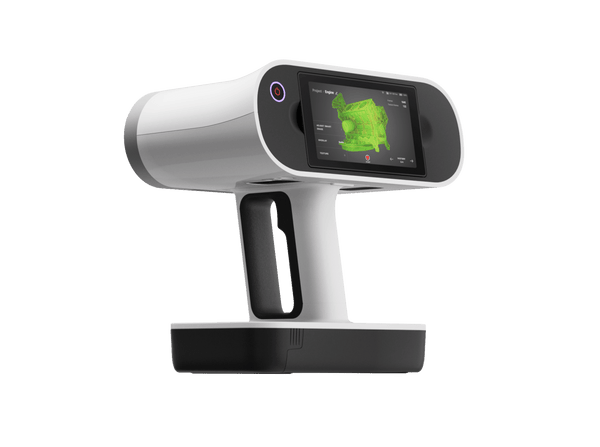
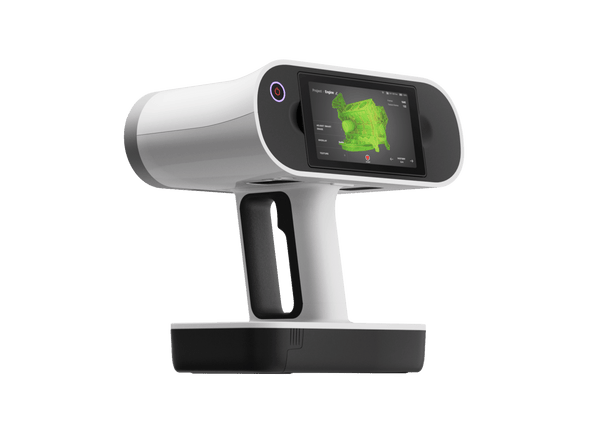
Artec Leo wireless 3D scanner with built-in touchscreen
Artec 3D

Artec Leo

★★★★★4.8 (6)
€34,800
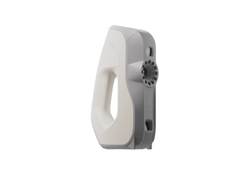
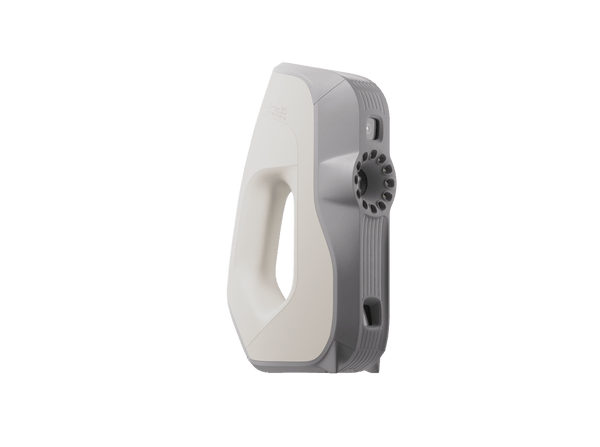
On saleArtec Eva handheld 3D scanner
Artec 3D

Artec Eva

★★★★★4.8 (4)
€9,900€13,700
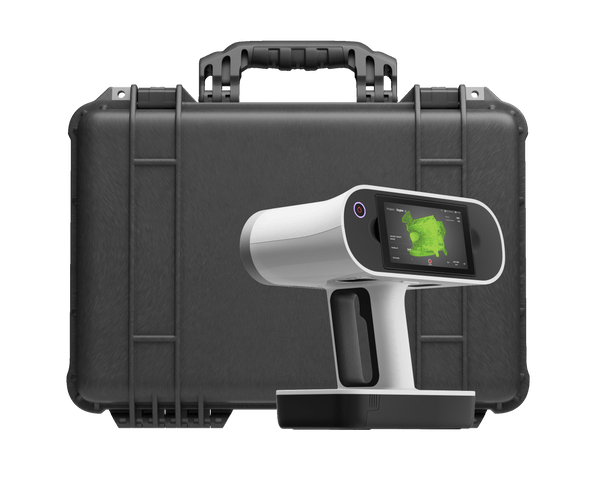
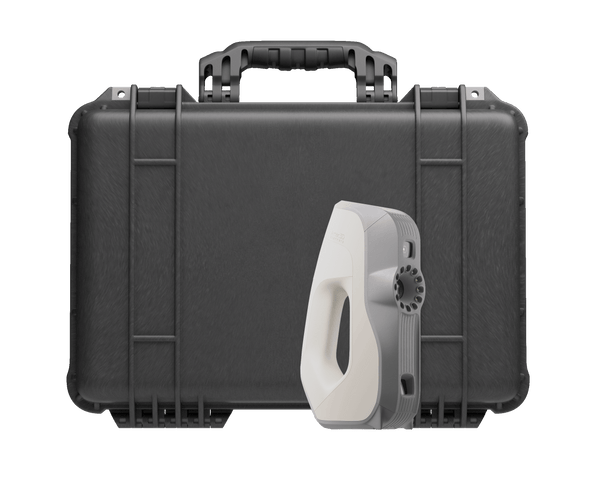
Artec Leo Premium Pack
Artec 3D

Artec Leo Premium Pack

€48,750
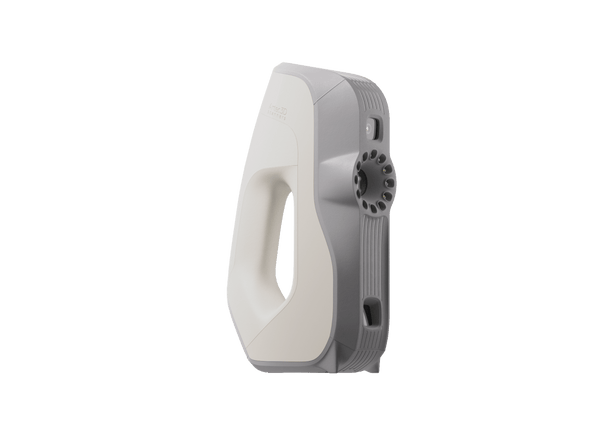
Artec Eva Premium Pack
Artec 3D

Artec Eva Premium Pack

€19,585
Artec Eva Education Package
Artec 3D

Artec Eva Education Package

★★★★★5.0 (1)
€12,590
Choose by job

Match the scanner to your workshop

Both capture shape and color without targets. Leo is wireless for showrooms and large pieces; Eva is the entry-price choice at the bench.

Whole pieces

Upholstered and large pieces

Sofas, recliners, chairs and cabinets for CAD, CGI and e-commerce visuals

Artec Leo€34,800
  • Wireless: scan in showrooms and photo studios
  • Handles dark, shiny and fluffy surfaces
  • 2.3 MP color, 0.1 mm accuracy
Prototypes and parts

Prototypes, parts and carvings

Chair prototypes, bent-plywood shells, carved doors and wood details for redesign and molds

Artec Eva€9,900
  • 0.1 mm accuracy, 0.2 mm resolution
  • No targets, full color in one pass
  • Under 1 kg, at an entry price

From physical piece to digital model

One Artec Studio Pro workflow for product development, reverse engineering and photoreal visuals.

Artec Studio Pro
  1. Scan the piece

    Walk around a sofa or chair with Leo, or capture a prototype with Eva. Both track shape and color, so no targets go on finished surfaces.

  2. Build a color model

    Artec Studio fuses the scans into a watertight mesh with photo texture, ready for renders, AR/VR and online catalogs.

  3. Refine the design

    Mirror for symmetry, take sections, fit primitives and autosurface, then adjust the form digitally instead of rebuilding a physical prototype.

  4. Send to production

    Export STEP, IGES or X_T to CAD for CNC and molds, STL for 3D-printed parts, or OBJ for visualization.

Real scan data

Real furniture scans, unedited

Chairs, a side table, an ornate metal table and carved doors: woodgrain, upholstery and fine carving captured in true color. Spin any model and zoom in.

Patchwork chair
Upholstered chair

Patchwork chair

Vivid fabric colors and a bold shape, captured in seven minutes.

Scanned with
Artec Leo
Scan time
7 min
Processing
25 min

Results from furniture makers and retailers

3,000

A home furnishing retailer scans each piece with Leo in under five minutes, including dark, shiny and fluffy surfaces. 12,000 renders followed, and design lead times were halved.

Scanned withArtec Leo

Questions about 3D scanning furniture

Which scanner is better for furniture, Leo or Eva?

Leo is wireless with a built-in screen, so it suits large and upholstered pieces, showrooms and photo studios. Eva comes at an entry price and suits prototypes, parts and carved details at the bench. Both reach 0.1 mm accuracy and capture color.

Can it scan upholstery, fabric and dark finishes?

Leo handles dark, shiny and fluffy surfaces, and its AI-powered HD Mode helps with dark and thin features. Eva’s HD Mode also helps with black and shiny surfaces.

Can I get CAD for CNC and molds?

Yes. Artec Studio Pro fits primitives, takes sections and autosurfaces the scan, then exports STEP, IGES or X_T or sends it directly to SOLIDWORKS.

Are the scans good enough for e-commerce and AR?

Yes. Both scanners capture geometry and color in one pass, and Artec Studio adds photo texturing for photoreal models. One retailer has produced about 3,000 true-to-size models with Leo.

How long does a scan take?

Users report under five minutes per piece with Leo. The chairs and tables in the real scans above took 5–30 minutes to scan.

Which software do I need?

Artec Studio Pro, as a yearly plan or a lifetime license. Premium Packs for Leo and Eva include five years of Artec Studio.

Not sure which scanner fits?

See Leo and Eva on pieces like yours

Book a live demo with an Artec 3D expert. Talk through your pieces, surfaces and whether the data goes to CNC, molds, 3D printing or visuals.