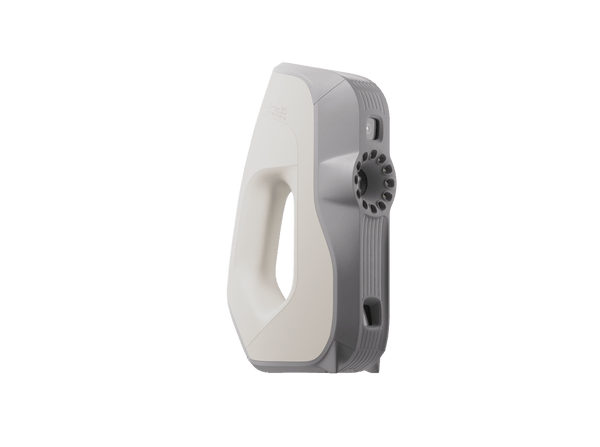
3D Scanners for Product Design and CAD

Handheld 3D scanners that bring products, prototypes, molds and packaging into CAD, so designers start from real geometry and new parts fit first time.

10 products
Sort by
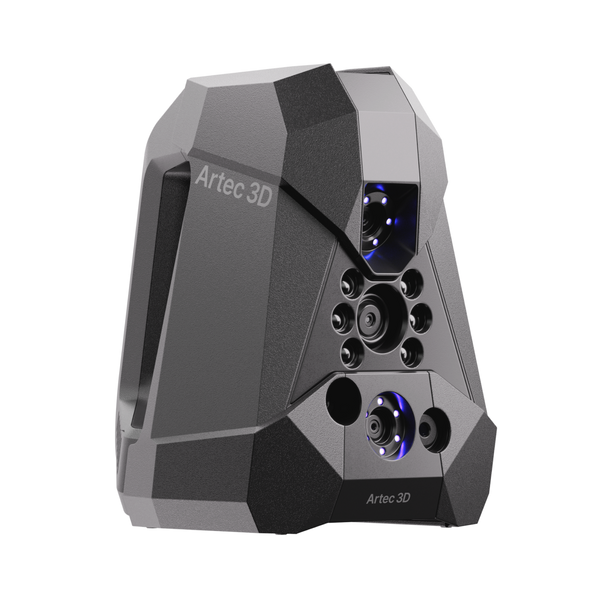
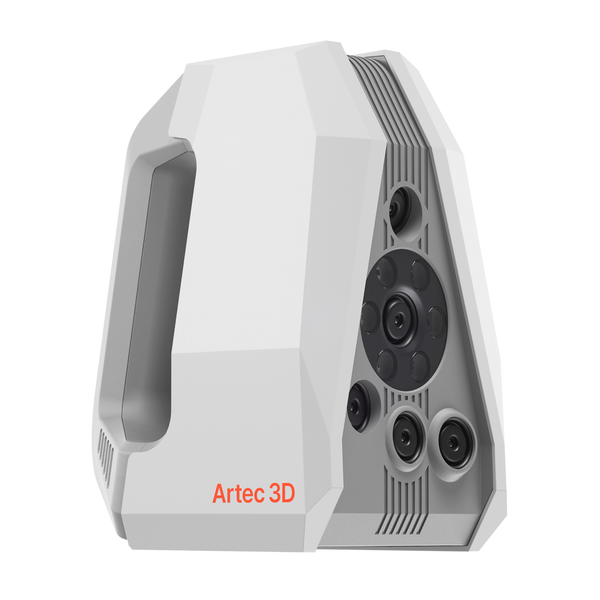
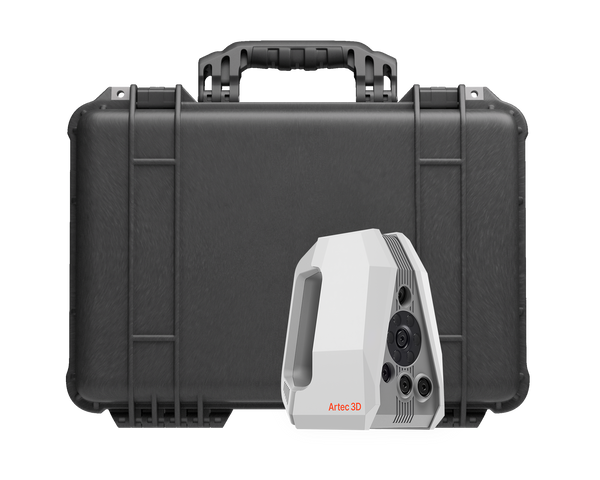
NewArtec Neo wireless hybrid 3D scanner
Artec 3D

Artec Neo

€35,100
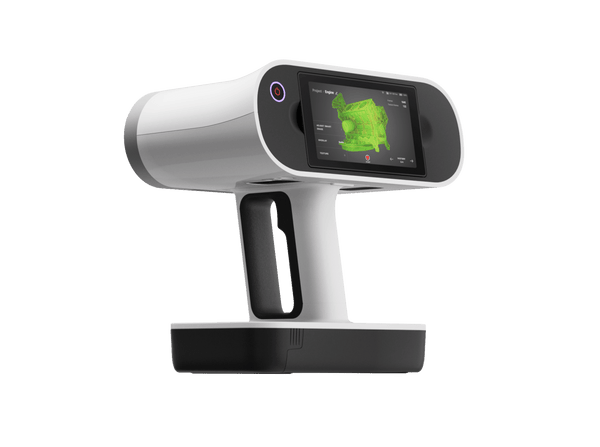
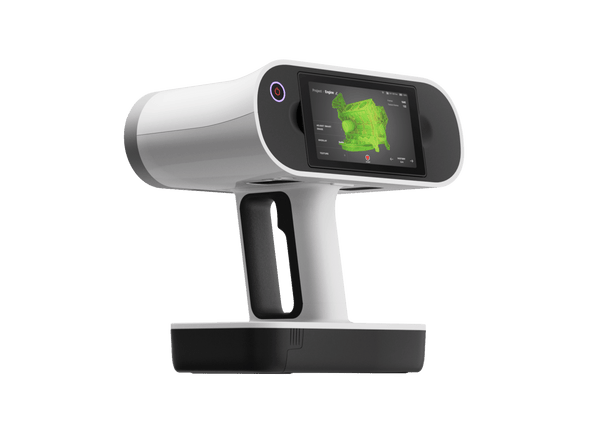
Artec Leo wireless 3D scanner with built-in touchscreen
Artec 3D

Artec Leo

★★★★★4.8 (6)
€34,800
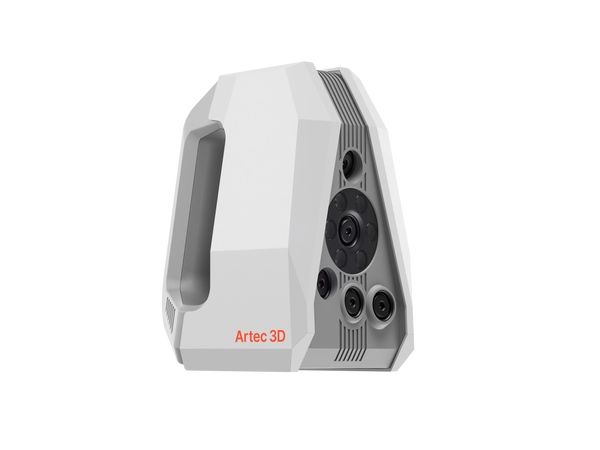
Artec Spider II high-resolution handheld 3D scanner
Artec 3D

Artec Spider II

★★★★★5.0 (2)
€27,000
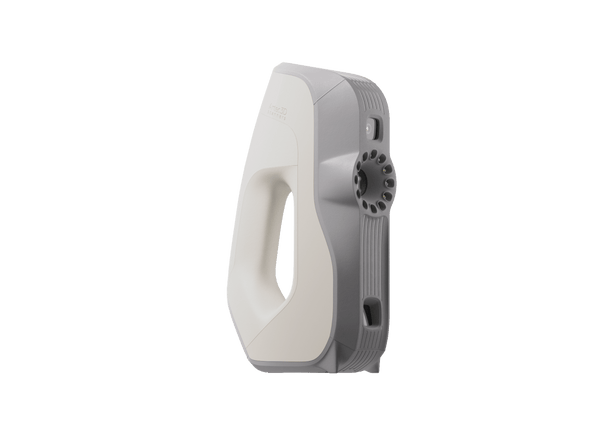
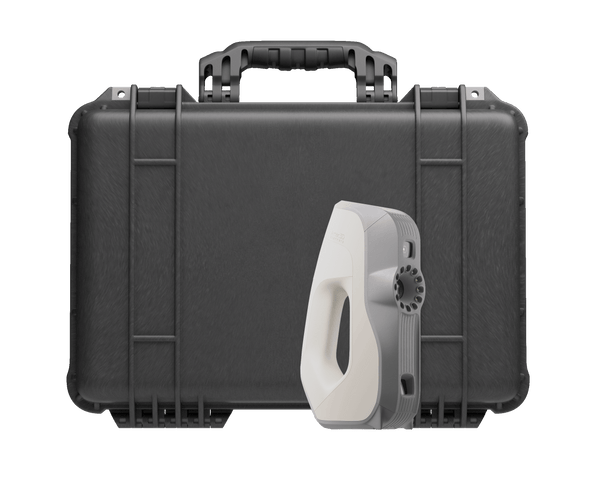
On saleArtec Eva handheld 3D scanner
Artec 3D

Artec Eva

★★★★★4.8 (4)
€9,900€13,700
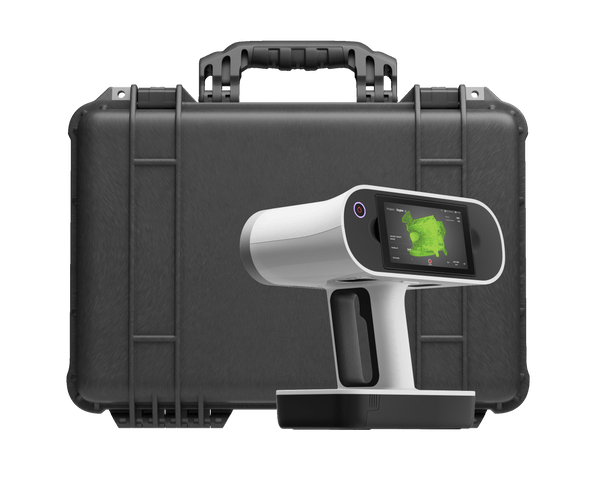
Artec Leo Premium Pack
Artec 3D

Artec Leo Premium Pack

€48,750
Artec Spider II Premium Pack
Artec 3D

Artec Spider II Premium Pack

€37,700
Artec Eva Premium Pack
Artec 3D

Artec Eva Premium Pack

€19,585
Artec Spider II Education Package
Artec 3D

Artec Spider II Education Package

★★★★★5.0 (1)
€24,600
Artec Eva Education Package
Artec 3D

Artec Eva Education Package

★★★★★5.0 (1)
€12,590
Choose by object

Match the scanner to your design work

Object size, the detail you need and whether the design must hold tight fits decide it.

≈5–50 cm

Products and prototypes

Consumer products, plastic housings, packaging, footwear and sports gear
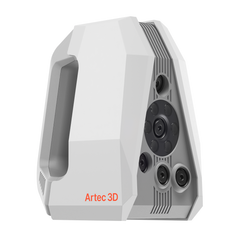
Artec Spider II€27,000
  • 0.05 mm resolution, sharp edges and fine lettering
  • No targets: prototypes stay untouched
  • 5 MP true-to-life color
Where fits matter

Designs with tolerance-critical fits

Mating parts, interfaces and datums, plus free-form surfaces captured target-free

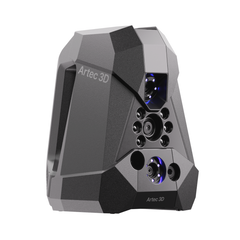
Artec Neo€35,100
  • 0.025 mm with targets, 0.05 mm without
  • Target-free for design and prototyping, no prep
  • Wireless, 5 MP color
≈20 cm–2 m

Medium products and people

Furniture, wheels, statues and body-fit products such as masks and braces

Artec Eva€9,900
  • 0.1 mm accuracy, full color, no targets
  • Safe for scanning people
  • Entry price, simple to learn
50 cm and up

Large products, on site

Car bodies and bumpers, furniture, boats and machines for custom add-ons

Artec Leo€34,800
  • Fully wireless: screen and computer built in
  • Up to 35 mln points/s
  • 2.3 MP color, also for product visuals

From physical product to new design

One workflow in Artec Studio Pro, whichever scanner you choose.

Artec Studio Pro
  1. Scan the reference

    Capture an existing product, a hand-made prototype or the space a new part must fit into, in full color and without targets.

  2. Extract the geometry

    Fit planes, cylinders and other CAD primitives, take 2D sections and autosurface free-form areas into CAD-ready surfaces.

  3. Design in CAD

    Export STEP, IGES or X_T, or send the model straight to SOLIDWORKS or Design X, and design the new product around real geometry.

  4. Check the prototype

    Scan the first prototype and compare it with the CAD model. A color deviation map shows where it differs before you commit to tooling.

Real scan data

Real products, scanned

A molded housing, a glossy consumer product, a watch, a compound bow, a chair and a fairing: real geometry to design from. Spin any model and zoom in.

Controller housing
Plastic housing

Controller housing

The inside of a molded plastic housing: ribs, bosses and tiny cylinders at 0.05 mm resolution.

Scanned with
Artec Spider II
Scan time
3 min
Processing
5 min

Results from product design projects

3–4days

A fragile decades-old sneaker prototype with no CAD data was scanned in under 15 minutes, and the model went out the same day to relaunch the design.

Scanned withArtec Spider II

50%

Delicate flowers are scanned without markers to use real petal geometry in a jewelry collection. Flower to cast now takes 25 days instead of about a month.

Scanned withArtec Spider II

15–30min

Whole cars, interiors and bumpers are scanned to design custom body parts instead of hand carving and molding. A custom bumper fitted every mounting point.

Scanned withArtec Leo

Questions about 3D scanning for product design

Which 3D scanner is best for product design?

For most products and prototypes, Artec Spider II gives the finest detail without targets. Choose Neo when designs must hold tight fits, Eva for medium objects and body-fit products, and Leo for large products scanned on site.

Do I get a CAD model or just a mesh?

Both. Artec Studio Pro builds an accurate mesh, then lets you fit CAD primitives, take sections and autosurface free-form areas. Export STEP, IGES or X_T, or send the result directly to SOLIDWORKS or Design X.

Can I scan people for body-fit products?

Yes. Artec Eva uses white structured light that is safe for people and captures a limb or torso in minutes, and Leo scans people wirelessly. Spider II is eye-safe and contact-free for smaller body areas.

Can I check a prototype against the design?

Yes. Scan the prototype and compare it with CAD in Artec Studio Pro; deviation maps and 2D sections show exactly where it differs.

Do I need targets on the product?

Not with Spider II, Eva and Leo, which track geometry and texture. Neo works target-free for design and prototyping, and adds targets only where tolerances demand them.

Is color captured too?

Yes. Spider II and Neo capture 5 MP texture, Leo 2.3 MP and Eva 1.3 MP, so colors, graphics and surface condition come with the geometry.

How accurate is the CAD model?

It starts with the scanner: Neo reaches 0.025 mm with targets, Spider II 0.05 mm, and Eva and Leo 0.1 mm. Compare the finished CAD model with the scan in Artec Studio Pro, and a deviation map shows how closely it follows the real part.

Can the scan-to-CAD step be automated?

Partly. Autopilot and one-click Workflows process the scan, and autosurfacing turns free-form areas into CAD surfaces automatically. Design intent, such as datums, exact hole sizes and planes, comes from fitting primitives and sections, so an engineer stays in control of the final model.

Can I get 2D drawings from a 3D scan?

Partly in Artec Studio Pro: it takes 2D cross-sections and measurements, and exports measurements as DXF. Complete drawings with dimensions and tolerances are then made in your CAD software from the finished CAD model.

Not sure which scanner fits?

See your product go from scan to CAD

Book a live demo with an Artec 3D expert. Bring your questions about product sizes, detail and CAD software.