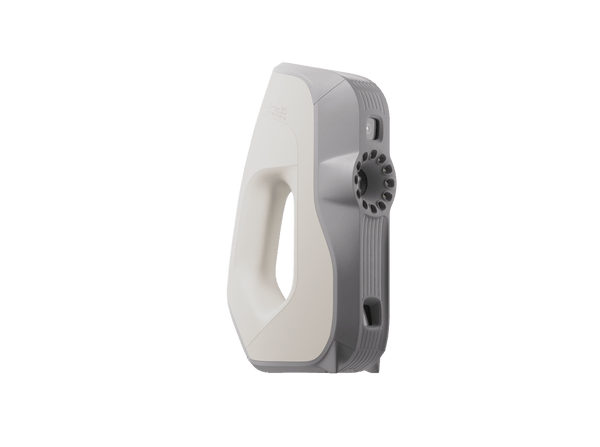
3D Scanners for 3D Printing

Handheld and desktop 3D scanners that turn real objects into watertight, print-ready models, from tiny parts and figurines to car body panels and life-size sculptures.

11 productos
Ordenar por
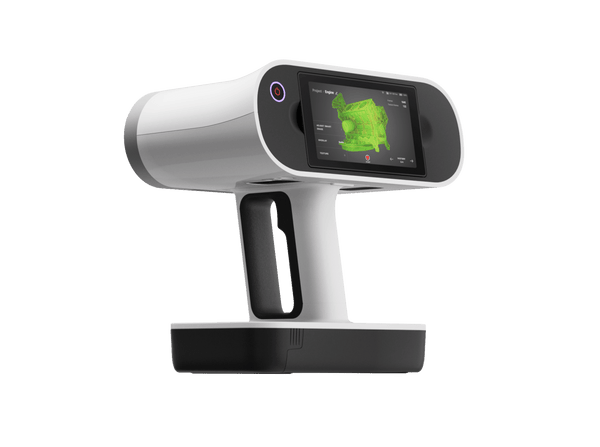
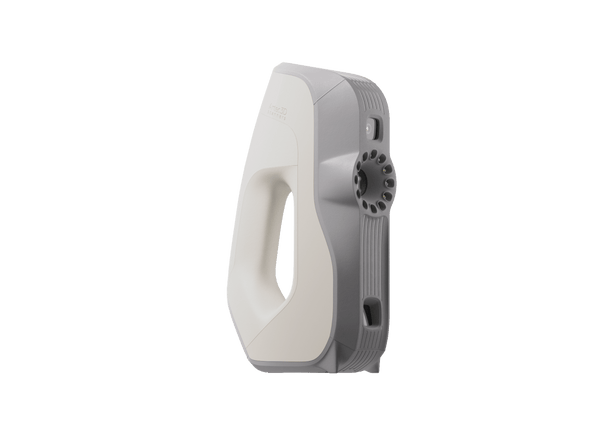
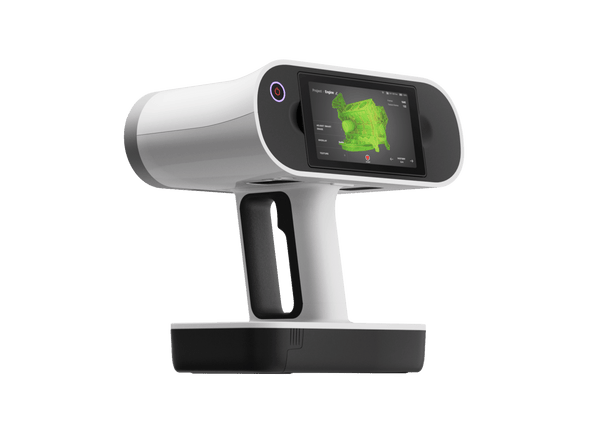
Artec Leo wireless 3D scanner with built-in touchscreen
Artec 3D

Artec Leo

★★★★★4.8 (6)
34.800 €
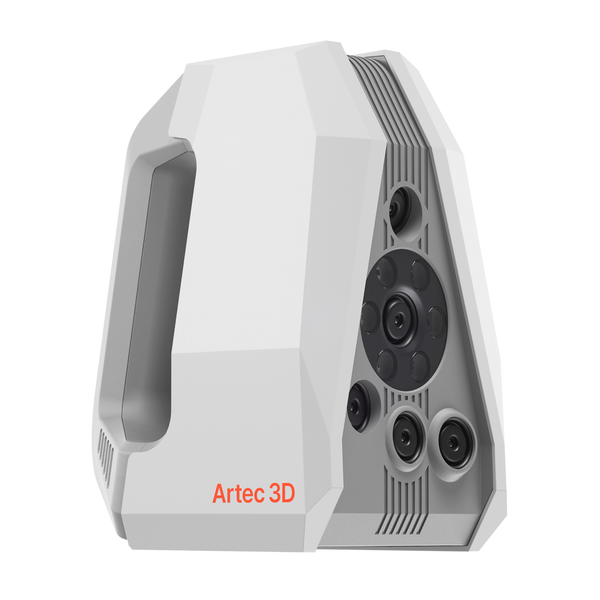
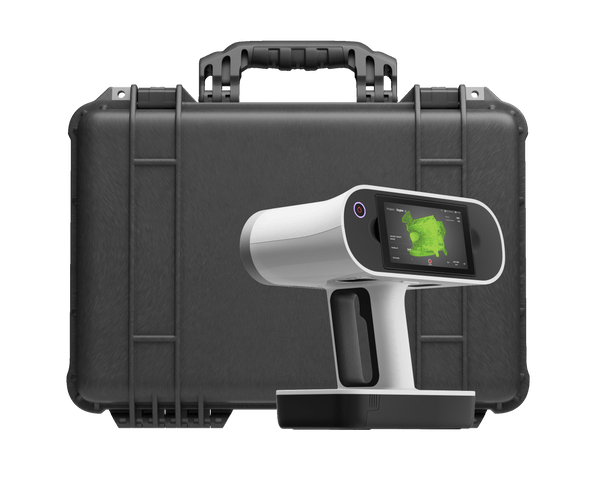
Artec Spider II high-resolution handheld 3D scanner
Artec 3D

Artec Spider II

★★★★★5.0 (2)
27.000 €
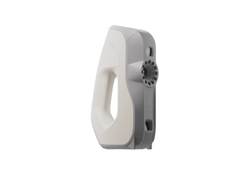
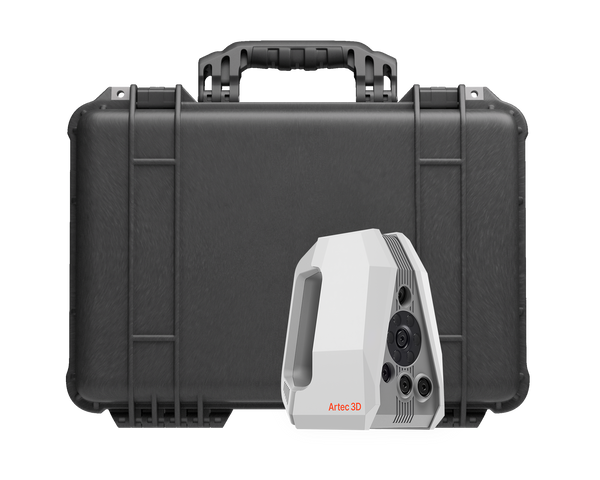
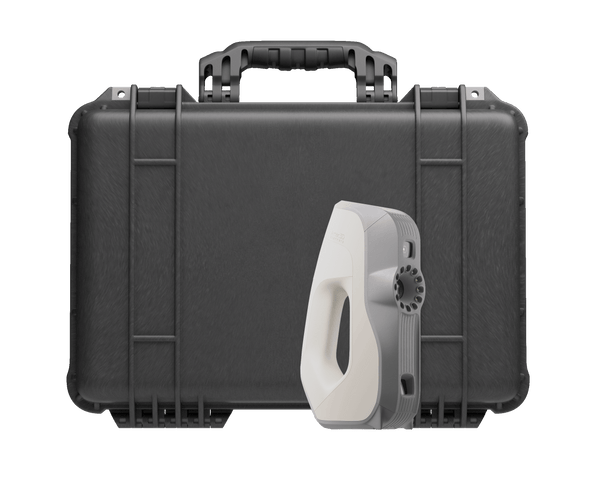
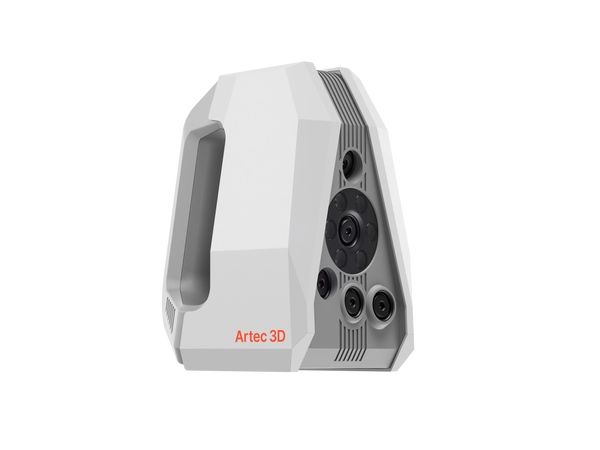
En ofertaArtec Eva handheld 3D scanner
Artec 3D

Artec Eva

★★★★★4.8 (4)
9.900 €13.700 €
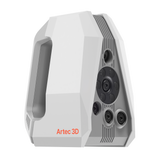
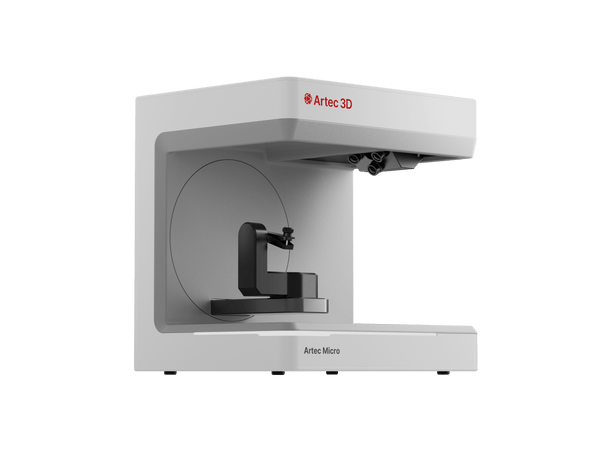
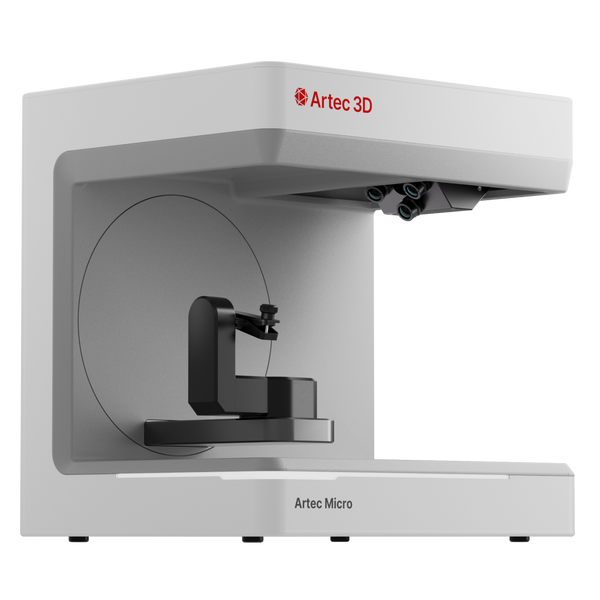
Artec Micro II automated desktop 3D scanner
Artec 3D

Artec Micro II

★★★★★4.5 (2)
19.800 €
Artec Leo Premium Pack
Artec 3D

Artec Leo Premium Pack

48.750 €
Artec Spider II Premium Pack
Artec 3D

Artec Spider II Premium Pack

37.700 €
Artec Eva Premium Pack
Artec 3D

Artec Eva Premium Pack

19.585 €
Artec Micro II Premium Pack
Artec 3D

Artec Micro II Premium Pack

25.800 €
Artec Spider II Education Package
Artec 3D

Artec Spider II Education Package

★★★★★5.0 (1)
24.600 €
Artec Eva Education Package
Artec 3D

Artec Eva Education Package

★★★★★5.0 (1)
12.590 €
Choose by object size

Match the scanner to what you print

Object size and the detail you want in the print decide it. Start from the objects you print most often.

Up to ~20 cm

Tiny, intricate parts

Connectors, watch parts, rings and dental models for replicas and precise fits
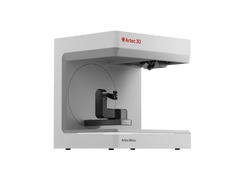
Artec Micro II19.800 €
  • Up to 5 µm accuracy, 40 µm resolution
  • One click: the scanner plans the scan path itself
  • Four 13 MP cameras see into holes and grooves
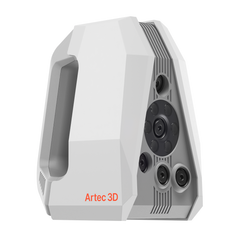
≈5–50 cm

Detailed small and medium objects

Figurines, prototypes, plastic housings, custom grips and replacement parts

Artec Spider II27.000 €
  • 0.05 mm resolution and accuracy
  • Sharp edges, engravings and fine lettering
  • 5 MP full-color texture, no targets
≈20 cm–2 m

Medium objects and people

Busts, statues, wheels, custom-fit parts and body parts for orthoses

Artec Eva9.900 €
  • 0.1 mm accuracy, full color, no targets
  • Safe white light for scanning people
  • Under 1 kg and simple to learn
50 cm and up

Large objects, on site

Car body parts, engine bays, sculptures and furniture for scale models or fits

Artec Leo34.800 €
  • Fully wireless: screen and computer built in
  • Up to 35 mln points/s
  • AI-powered HD Mode for thin and sharp features

From physical object to print-ready file

One workflow in Artec Studio Pro, whichever scanner you choose.

Artec Studio Pro
  1. Scan the object

    Capture the object with live feedback, or place it in Micro II and press one button. No targets to stick on or remove.

  2. Build a watertight mesh

    Autopilot aligns and fuses the scans into a single watertight model in one click, so the mesh is closed before it reaches your slicer.

  3. Edit and adapt

    Fill holes, smooth, defeature and simplify the mesh, or combine it with other shapes using Booleans. Fit CAD primitives where a part has to mate with something.

  4. Export and print

    Export STL, OBJ or PLY for your printer, or STEP, IGES and X_T when the part goes through CAD first.

Real scan data

Real scans, ready to print

A precision part, a dragon figurine, a hubcap, a detailed statuette and a textured vase: clean, watertight shapes with fine detail, ready to print.

Small industrial part
Small part

Small industrial part

Engraved lettering, holes and ribs on a palm-size part, scanned along the automatic path.

Scanned with
Artec Micro II
Scan time
10 min
Processing
20 min

Results from 3D printing projects

15min

Grilles, vents and engine bays of vintage cars are scanned to design custom-fit 3D-printed and laser-cut parts. Test prints are gone, and motor mounts fit first time.

Scanned withArtec Leo

6–10

Competition bows and grips are scanned to design custom 3D-printed grips for elite archers. Capture and processing take 1–2 hours, and print-ready designs follow in a couple of days.

Scanned withArtec Spider II

Which type of scanner works best?

For printable objects, structured-light scanners fit best: the desktop Micro II reaches up to 5 µm accuracy, the handheld Spider II resolves 0.05 mm, and Eva and Leo capture medium and large objects at 0.1 mm accuracy in full color. Leo’s pattern comes from an invisible VCSEL laser, so it is also a handheld laser scanner.

LiDAR scanners such as Ray II and Jet measure rooms, buildings and sites with millimeter-level accuracy, far coarser than the detail a printed part needs. Photogrammetry builds a model from photos: Artec Studio includes AI Photogrammetry, and Artec Studio Lite turns photos or video from a phone or camera into textured models you can clean up and print, without a scanner.

Is there a 3D printer with a built-in scanner?

A 3D printer builds parts from a digital file; it does not capture objects. To copy a real object, you scan it first. We sell Artec scanners and software, not 3D printers, so the workflow here pairs an Artec scanner with the printer you already use or choose.

Keeping the two separate lets each fit the job: the scanner by object size and detail, from the 5-micron Micro II to the wireless Leo, and the printer by material, build volume and finish. The link between them is a standard file: Artec Studio exports STL, OBJ and PLY meshes that print-preparation software reads.

Questions about 3D scanning for 3D printing

Which 3D scanner is best for 3D printing?

It depends on object size and detail. Artec Micro II suits tiny, intricate parts, Spider II small and medium objects with fine detail, Eva medium objects and people, and Leo large objects scanned on site.

Will the scan be watertight and ready to print?

Yes. Artec Studio builds watertight meshes ready for 3D printing, with hole filling, smoothing and simplification tools to tidy the model. Export STL, OBJ, PLY and other common formats.

How much detail will the model keep?

That depends on the scanner. Micro II reaches up to 5 µm accuracy and 40 µm resolution on small parts, Spider II resolves edges, engravings and part numbers at 0.05 mm, and Eva and Leo resolve up to 0.2 mm.

Can I modify the scan so a part fits?

Yes. Artec Studio Pro includes Booleans, CAD primitive fitting, sections and autosurfacing. When a part needs redesign, export STEP, IGES or X_T, or send it straight to SOLIDWORKS.

Is color captured for full-color models?

Yes. Spider II captures 5 MP texture, Leo 2.3 MP, Eva 1.3 MP, and Micro II captures color natively, with photo texturing available in Artec Studio.

Do I need targets or spray?

No targets: Eva, Leo and Spider II track the object by its geometry and texture, and Micro II moves the object itself. Spider II and the HD Mode on Eva and Leo handle black and shiny surfaces.

Can I scan a broken part and 3D print a replacement?

Yes. Scan the part, then repair the mesh or rebuild it in CAD: Artec Studio Pro fits CAD primitives and autosurfaces free-form areas, so worn or broken areas can be restored to their intended shape. Export STL to print directly, or STEP when the part goes through CAD first.

Can I check printed parts against the CAD model?

Yes. Scan the printed part and compare it with the nominal model in Artec Studio Pro; a color deviation map shows where the print differs across the whole surface. Spider II is used on batches of 3D-printed parts, and Micro II on small precision parts.

Not sure which scanner fits?

See the scan-to-print workflow on objects like yours

Book a live demo with an Artec 3D expert. Bring your questions about object sizes, detail and print-ready files.